 Superbuy Spread Wiki
Superbuy Spreadsheet
Find products in KA Spreadsheet, then use this field guide to log the seller link, check the fit and budget for delivery.
Browse the catalog
Each category opens in KA Spreadsheet. Start with the detail you’ll need to verify on the seller’s listing.
What to record for each find
Keep one row for each option you are considering. Update it when the seller, the warehouse or the carrier gives you a new detail.
- Save the original marketplace URL, seller, exact option and date checked.
- Write the measurement method and the photo you need to verify it.
- Keep the item price and parcel estimate in separate columns.
Example shortlist row
| Item & option | Seller’s size chart | Your reference | Next QC check |
|---|---|---|---|
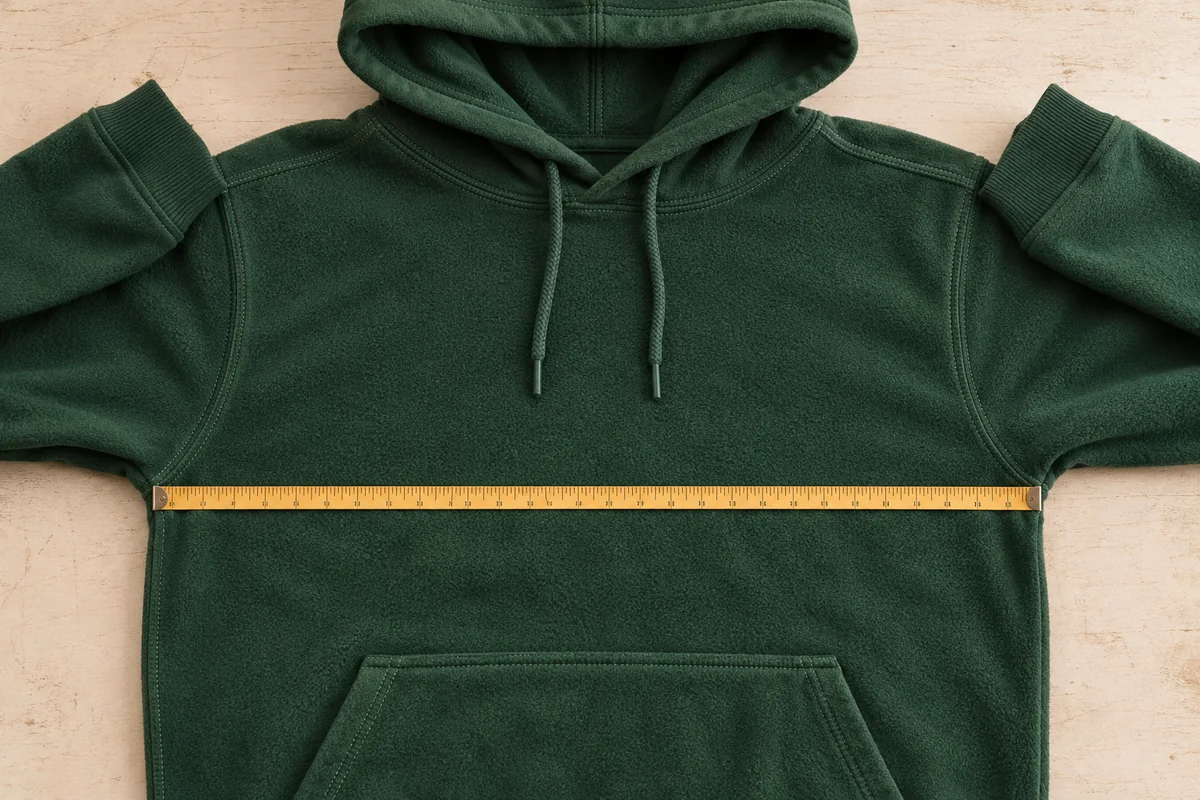
| Olive hoodie · M | 54 cm flat chest | 54 cm flat chest | Request seam-to-seam photo |
Fictional entry. Add your own marketplace link, seller, price and check date.
Superbuy field guides
Build a shortlist, read the warehouse photos and compare shipping quotes for your destination.
How to use a Superbuy spreadsheet
Turn KA Spreadsheet finds into a shortlist with the original seller link, exact option, checked date and measurements.
Read guideHow to read Superbuy QC photos
Review Superbuy warehouse photos with a worked hoodie measurement, a useful follow-up request and a decision checklist.
Read guideSuperbuy shipping to the US | Estimate your parcel
Compare Superbuy quotes to your ZIP code using packed measurements, payment records and the fees each quote includes.
Read guideFrequently asked questions
Where do the category buttons go?
They open the relevant pages in KA Spreadsheet. From there, use the original marketplace listing to confirm the seller, the option and the price.
What should I save when I find an item?
Keep the marketplace URL and seller, the exact size and color, the price in its original currency and the date you checked it. A screenshot of the option and sizing table helps if the listing changes.
What if my warehouse photo does not show the measurement I need?
Ask for a straight-on photo showing the start point, end point and tape markings. Include which seam or edge you want measured and whether the fabric should lie relaxed.
Which costs go into a parcel estimate?
Include the items, shipping to the warehouse, paid warehouse services, international delivery and any applicable import charges. Record what the route quote already includes.
Can I ship products from every category?
Check the actual product and route with Superbuy before buying. The Superbuy calculator lists perfume among prohibited items.
Where do I place the order?
Use the official Superbuy service to place and manage your order. Superbuy Spreadsheet is an independent reference for preparing your shortlist and checks.